Making Beneath the Leaves
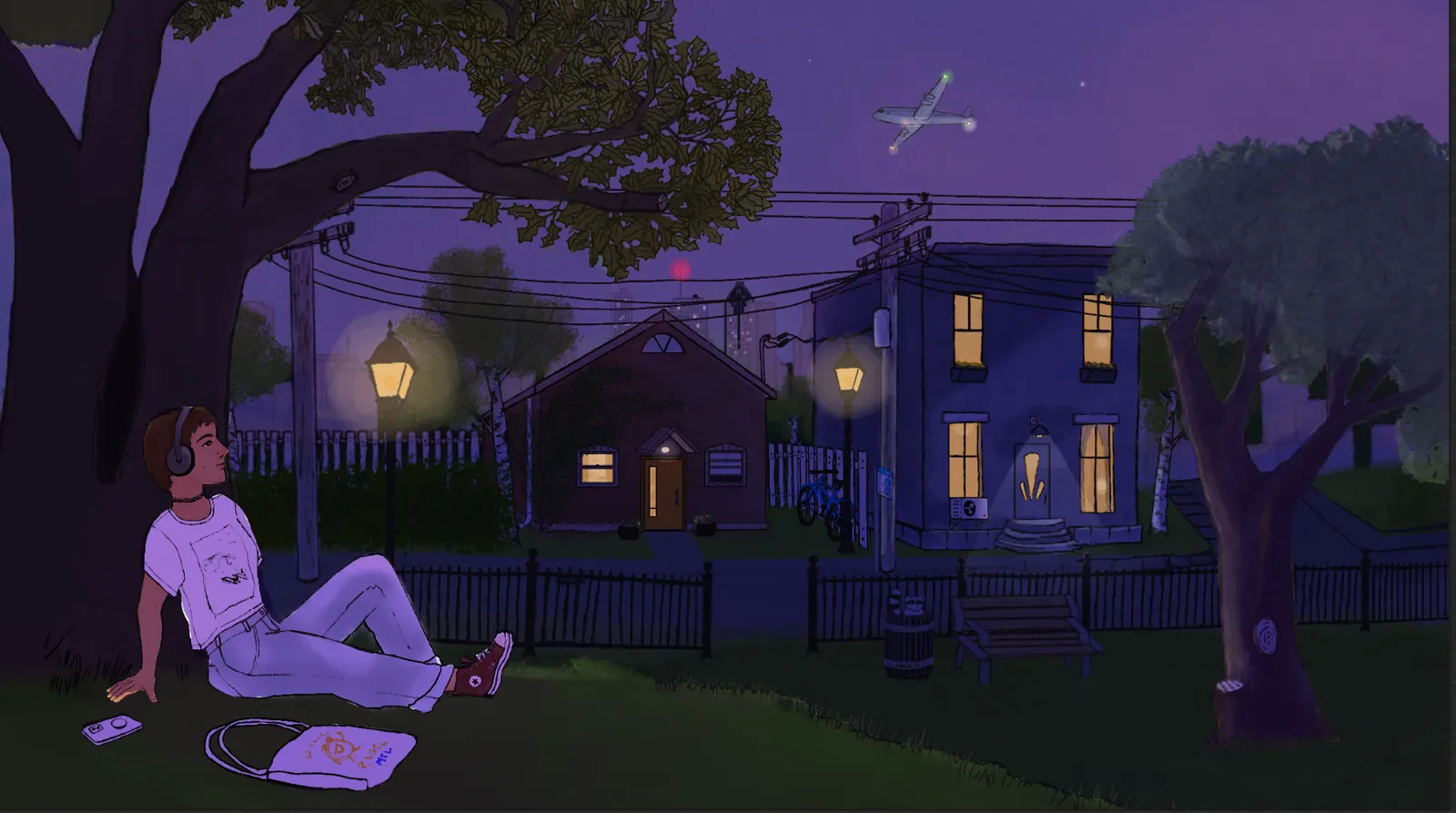
My very first animation project launched on Friday, October 23rd (last Friday from my current vantage): the video behind my sister’s lo-fi album on YouTube! Go give it a listen and follow her if you haven’t already. You can also find it on all of the usual music streaming services.
My process for creating the animation was, frankly, a bit unrefined. I’m fairly new to digital art, let alone animation, so this was a novel challenge for me, and taught me a lot about the ideal processes and constraints for this type of work.
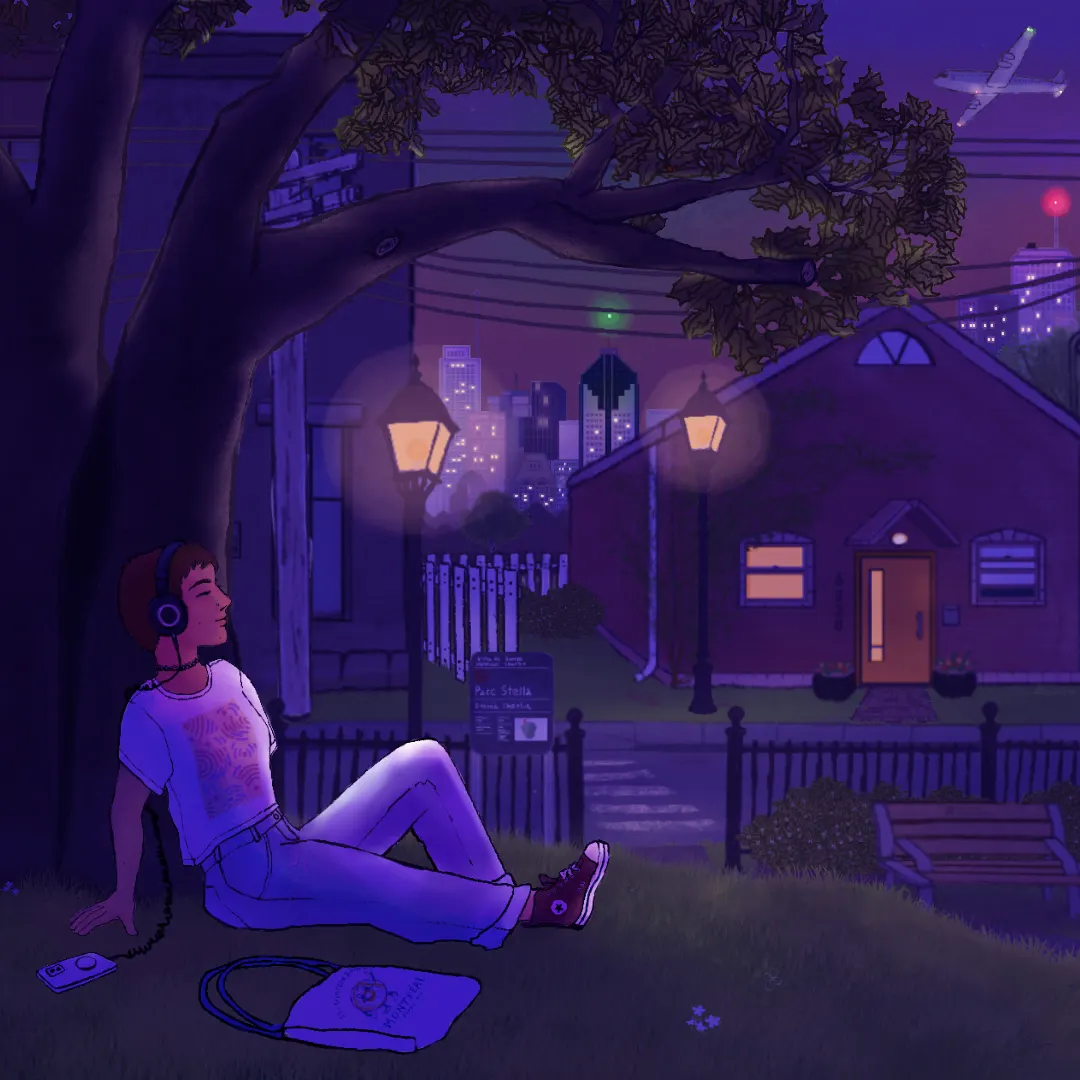
The beginning
One day in August 2025, my younger sister Ella came over for coffee. We were chatting about her new composition project. She hadn’t made much electronic music before, her McGill studies having focused more on composing for live instruments (a medium now a bit less accessible to her outside of the academic framework, since hiring musicians to record her music would be prohibitively expensive!).
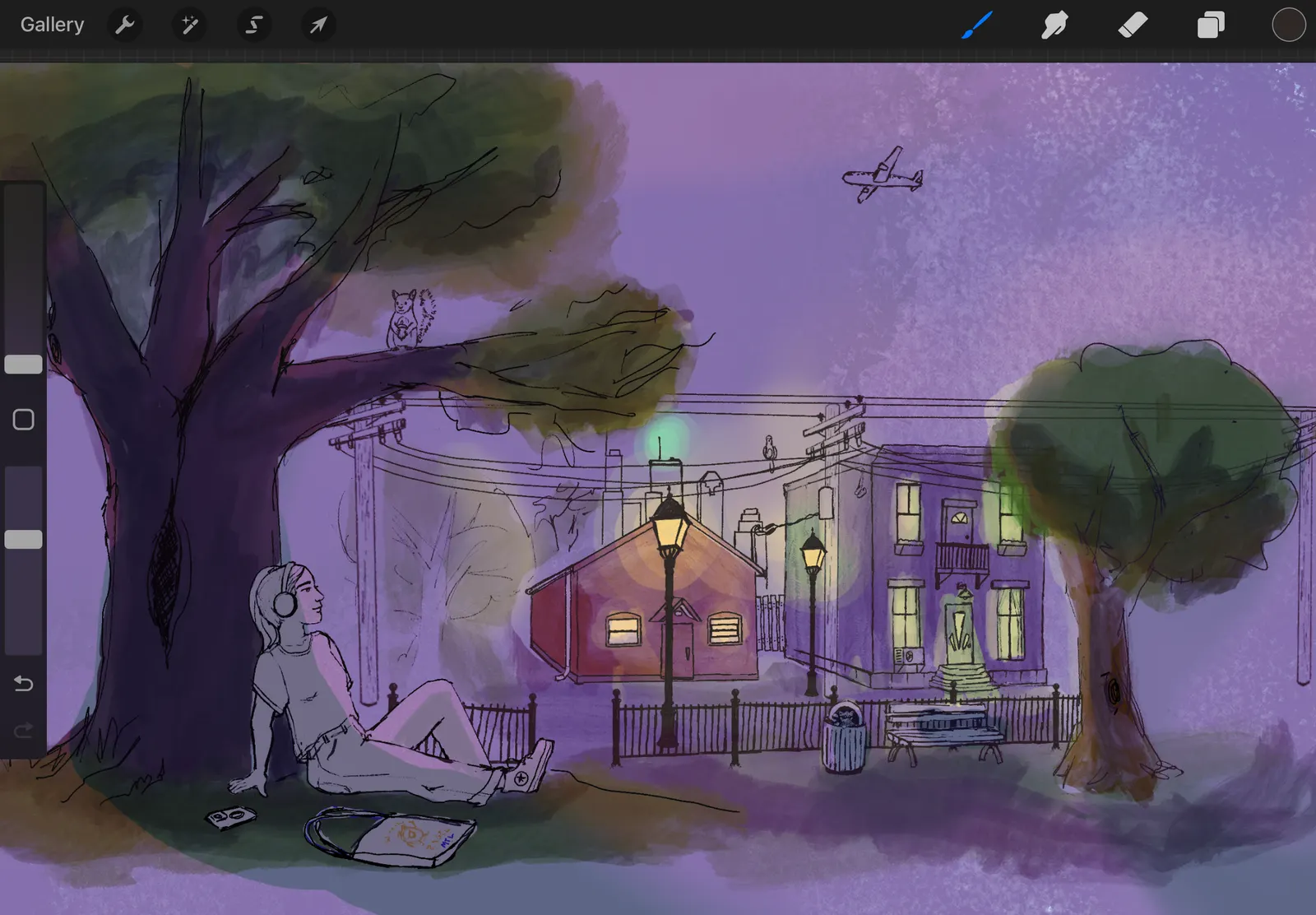
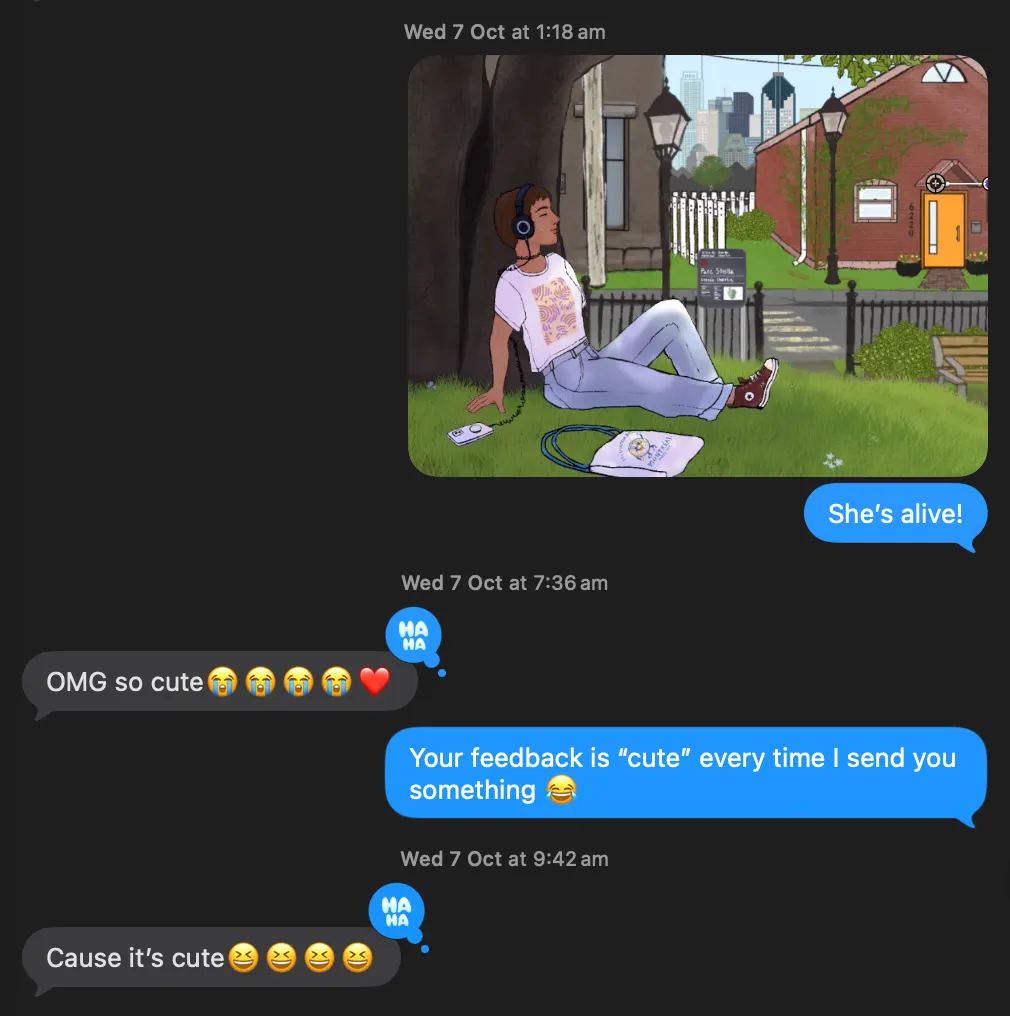
I floated the idea of creating artwork for her so she could make a Lofi Girl-esque video. I opened up Procreate on my iPad and started sketching, and very soon she was as excited about the idea of a collaboration as I was!
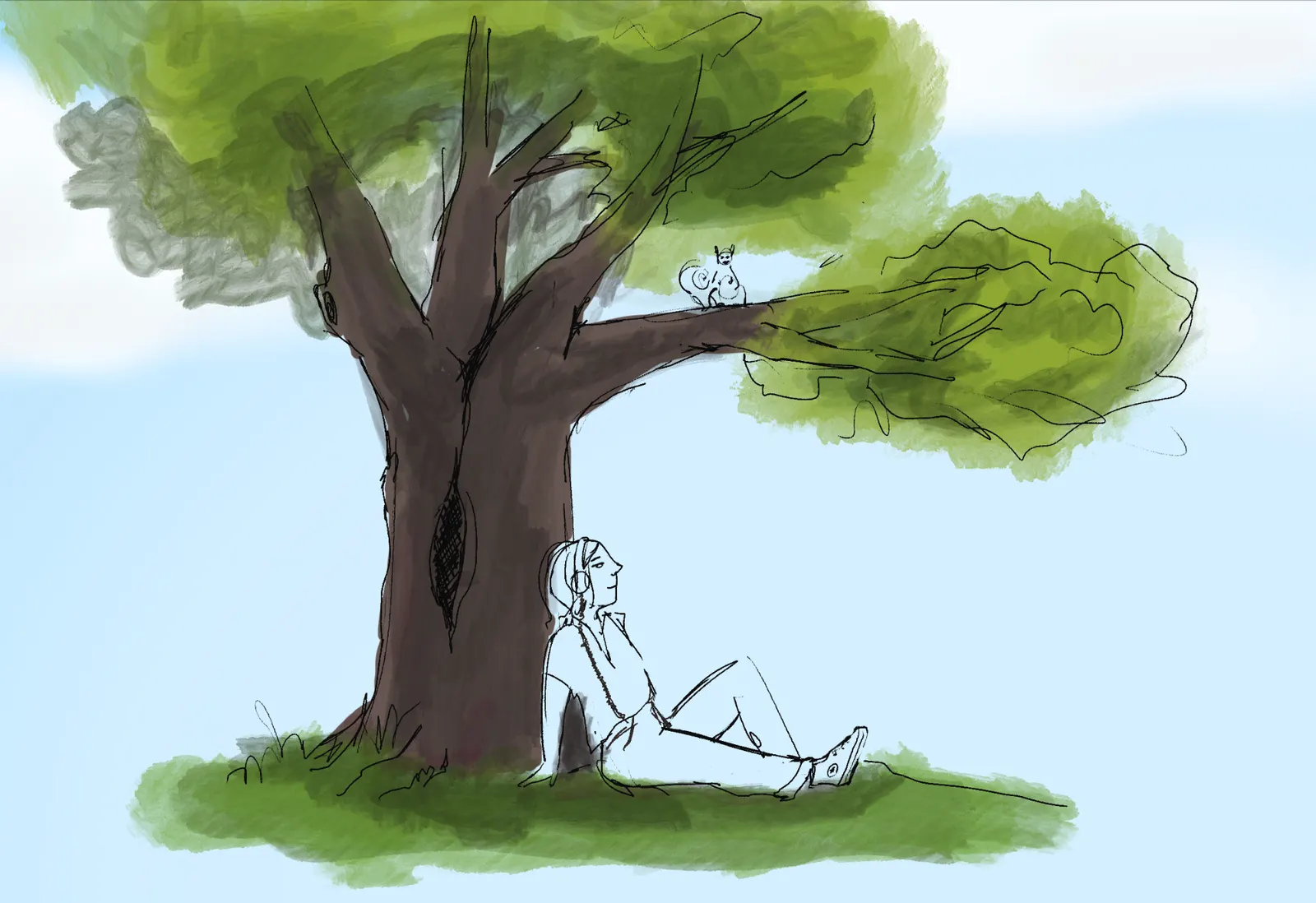
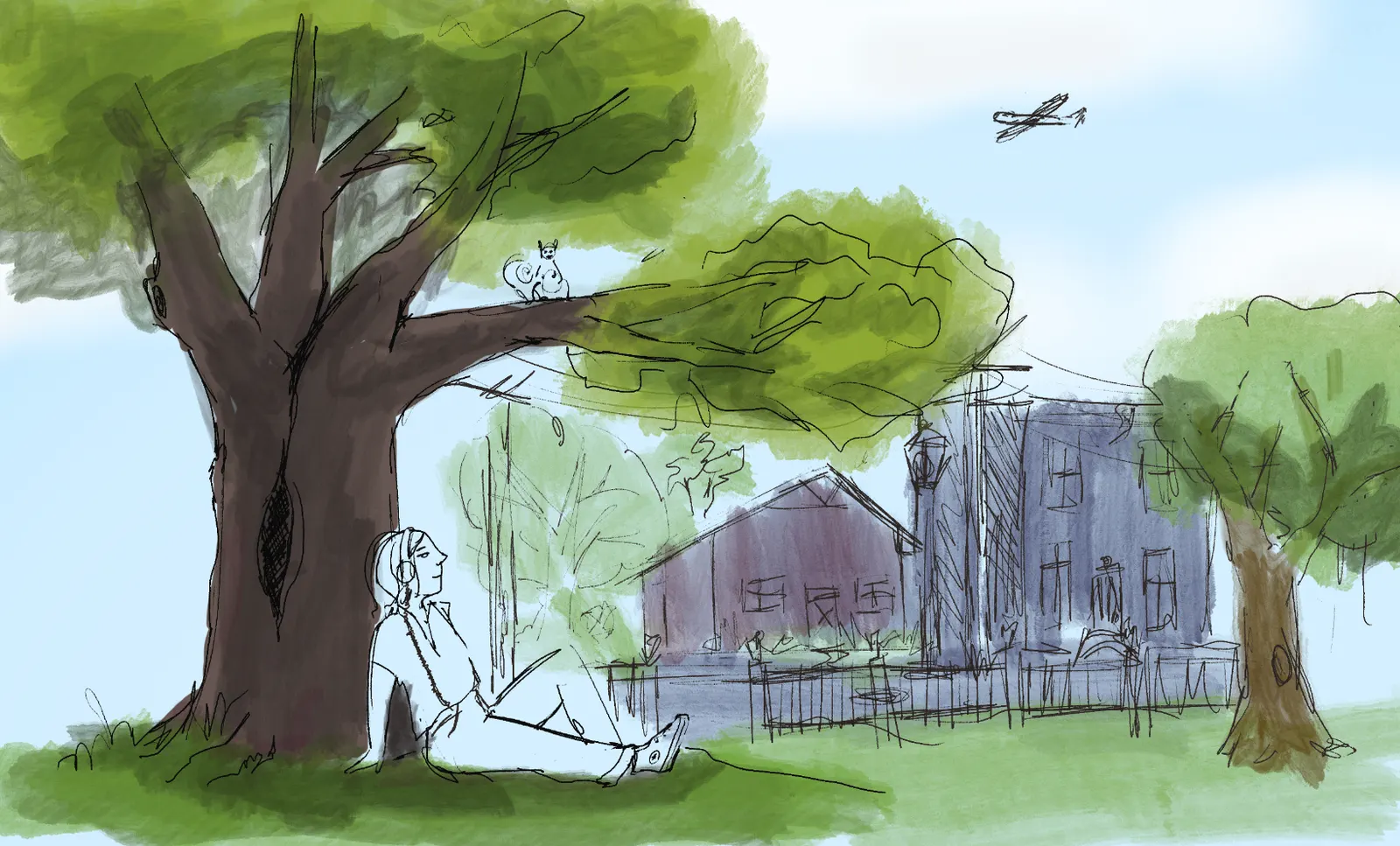
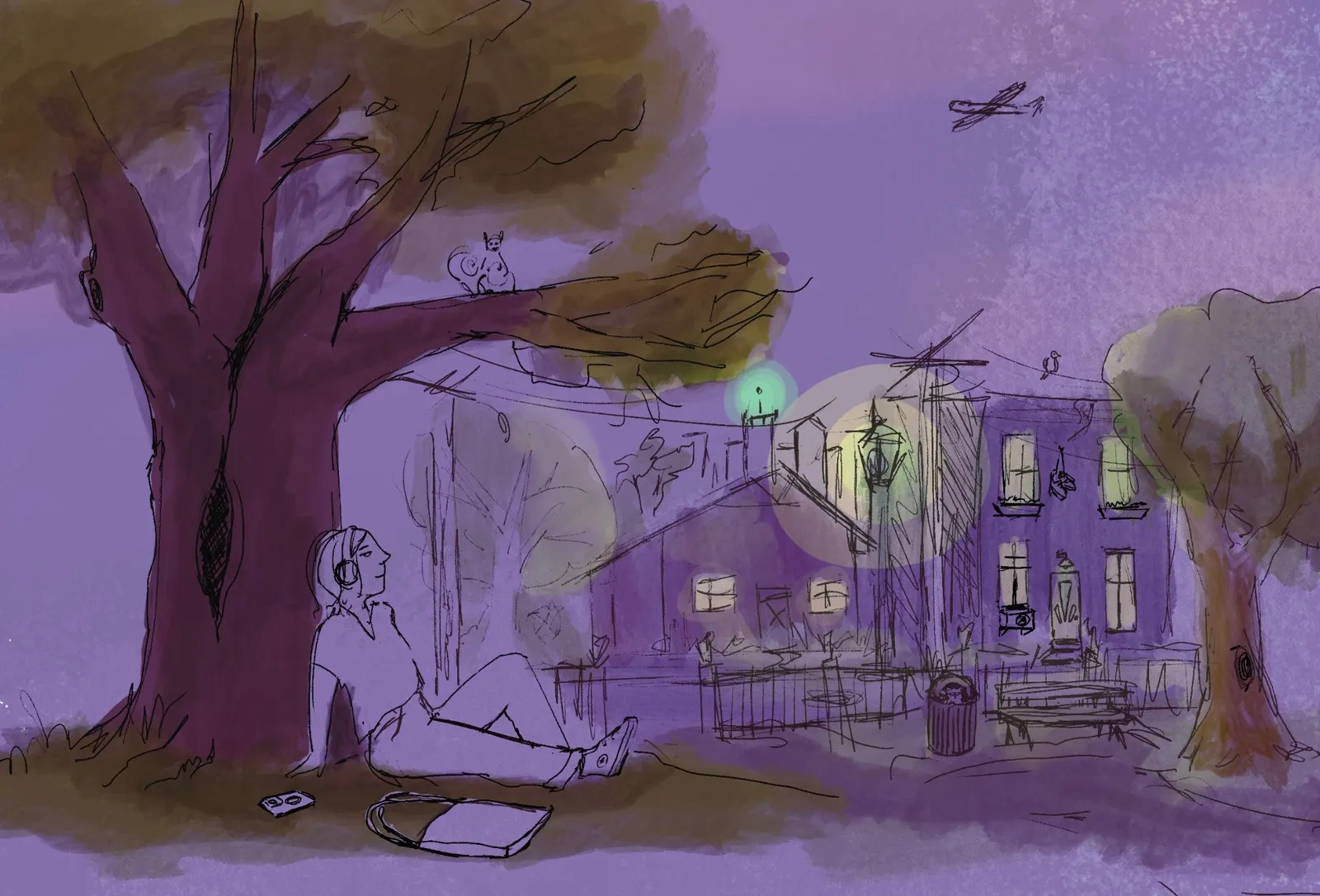
Splitting the painting into layers
It didn’t take long for me to reach Procreate’s layer limit. The limit is based on the device’s RAM and the artwork size, and on my 4th generation iPad Air it was 183 for this artwork.
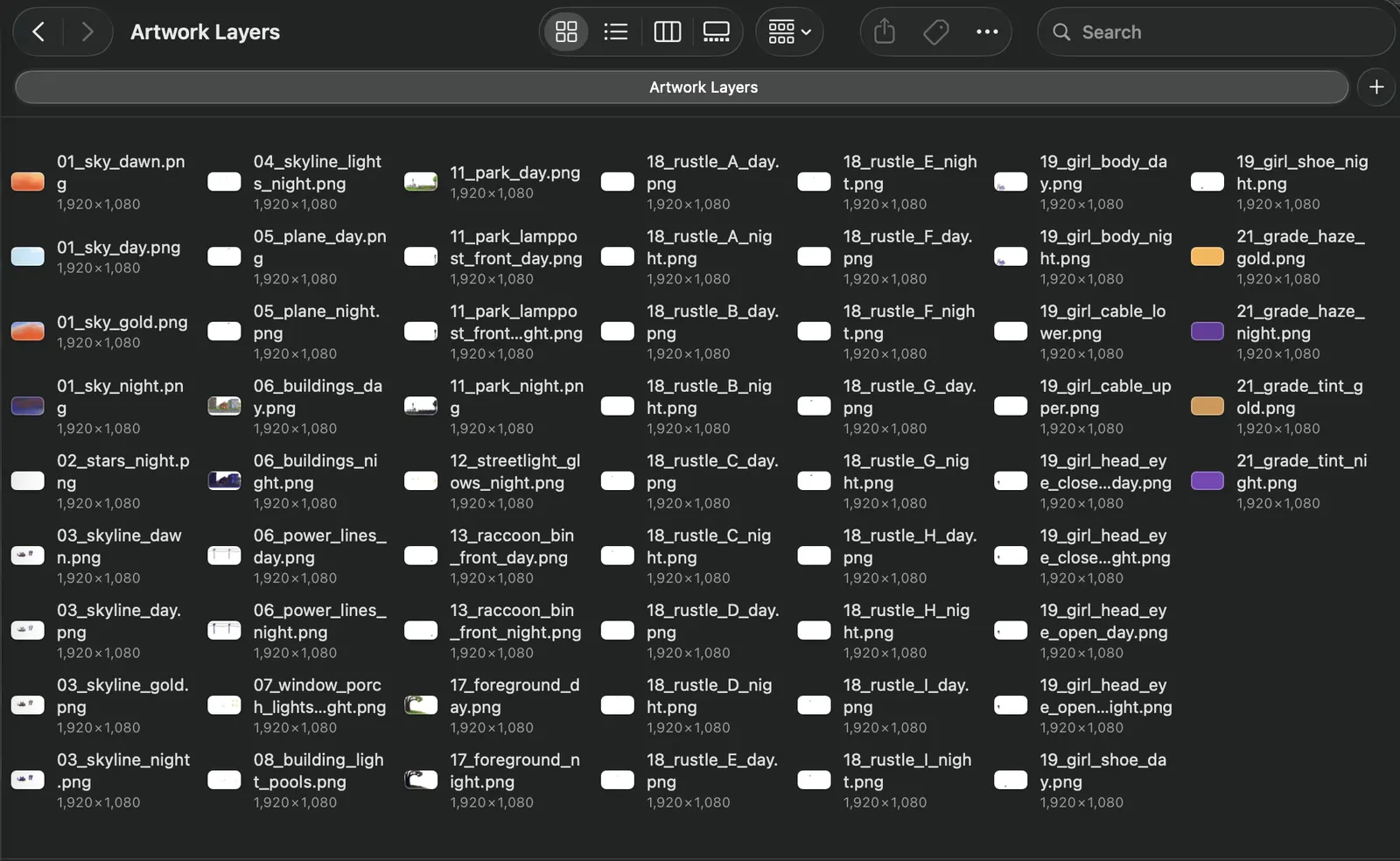
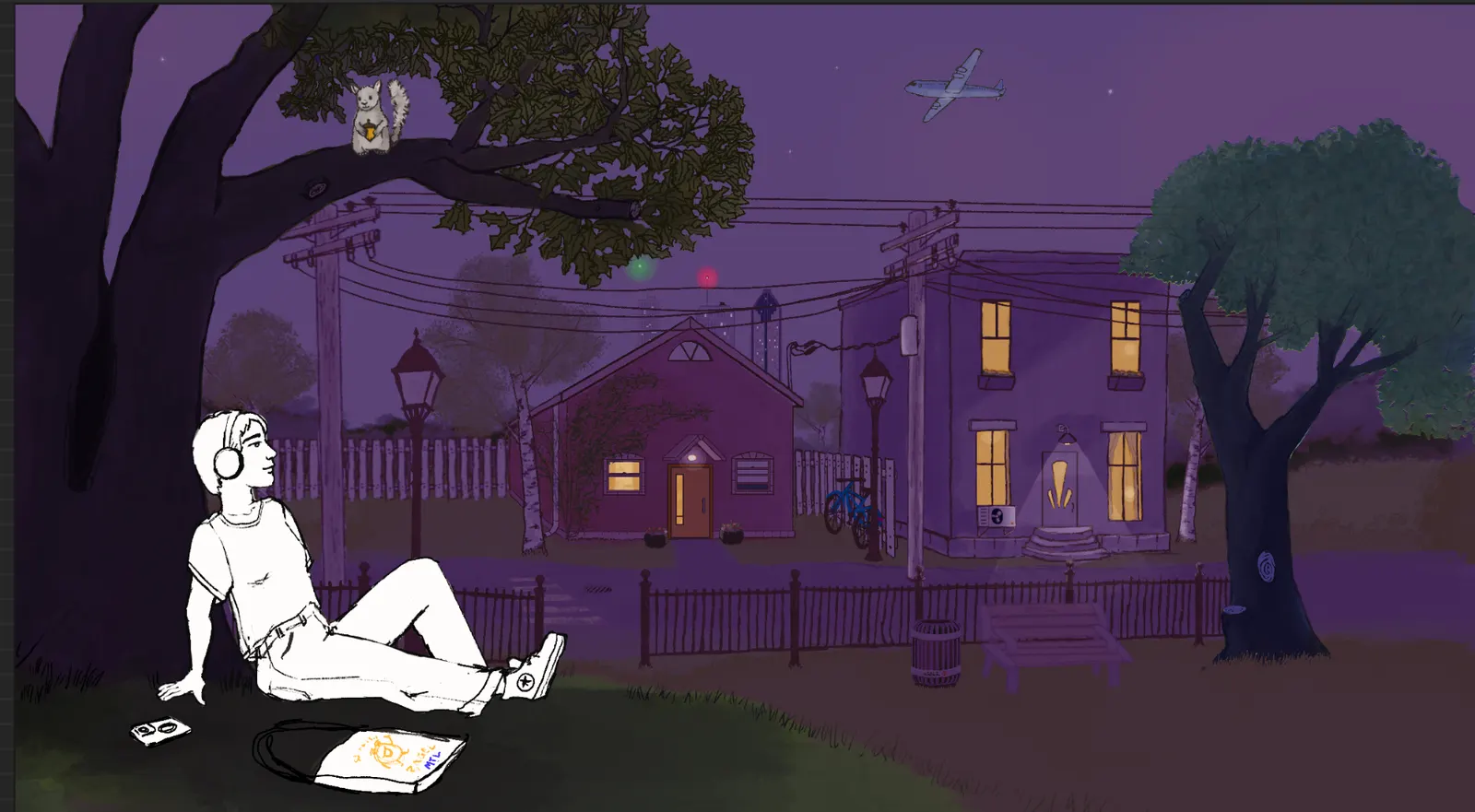
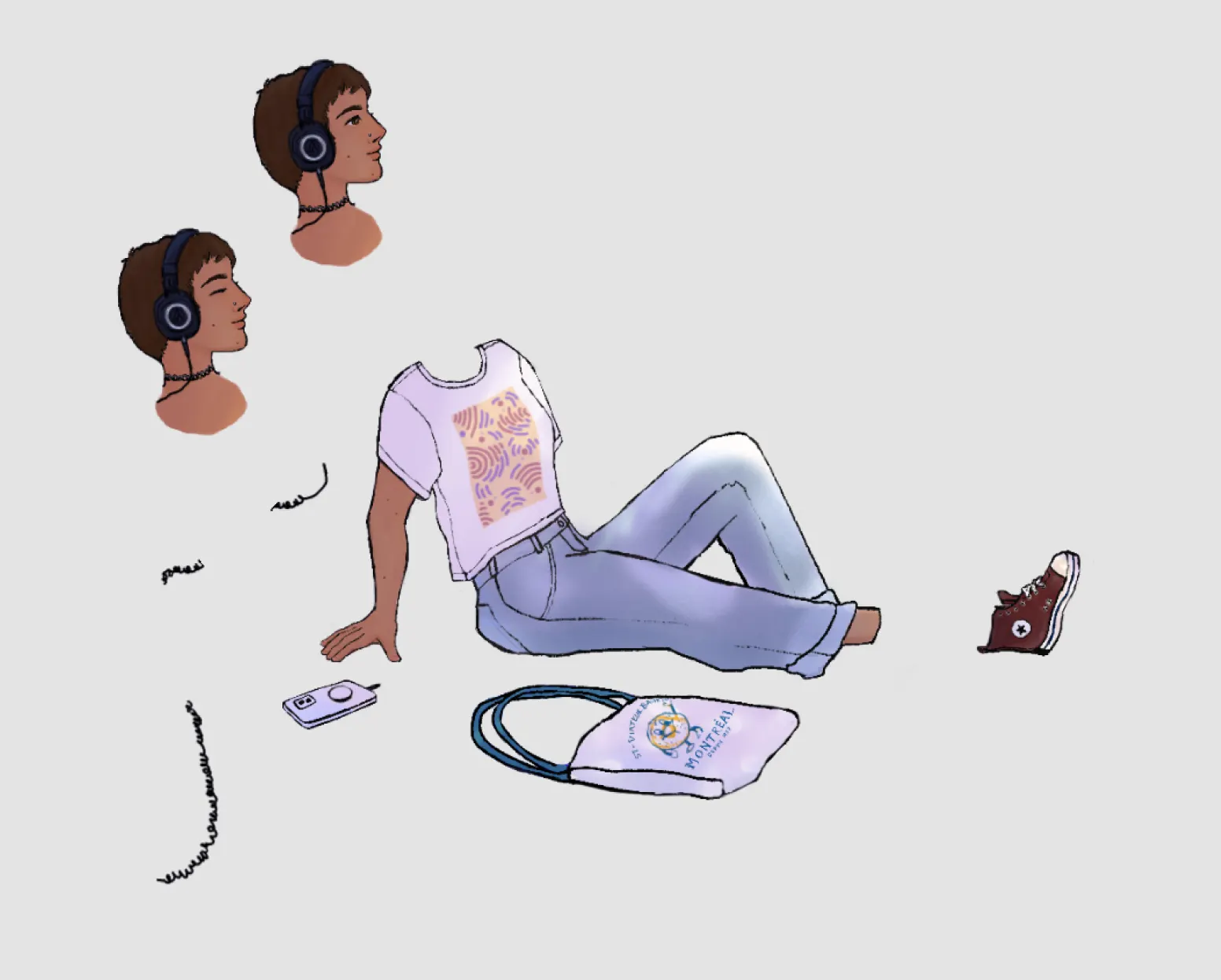
I started really setting about splitting my work into addressable layers at that point. I wanted to keep painting on the iPad, so I needed a way to open up small portions of the artwork instead of loading 183 layers. I exported in the mercifully-available PSD format, opened the file in Affinity Photo, and got to chopping.
One of the more onerous parts of it all was managing art exports. Though Claude could help me piece everything together in Motion, it didn’t want to touch my Affinity Photo files, and so I had a lot of naming, organising, and sizing slices to the video dimensions to do.
I had a whole tagging system for light treatments: I’d use the “select tags of same color” feature to toggle on and off lighting filter layers in bulk and then rename all the relit export slices to include the appropriate suffix. For the girl, which needed various pieces separately exported from the linked, embedded file combined with the lighting modes in the main file, exports turned into a frustrating sixteen-to-twenty-step process, repeated each time I made an edit to that component.
Meanwhile, the music
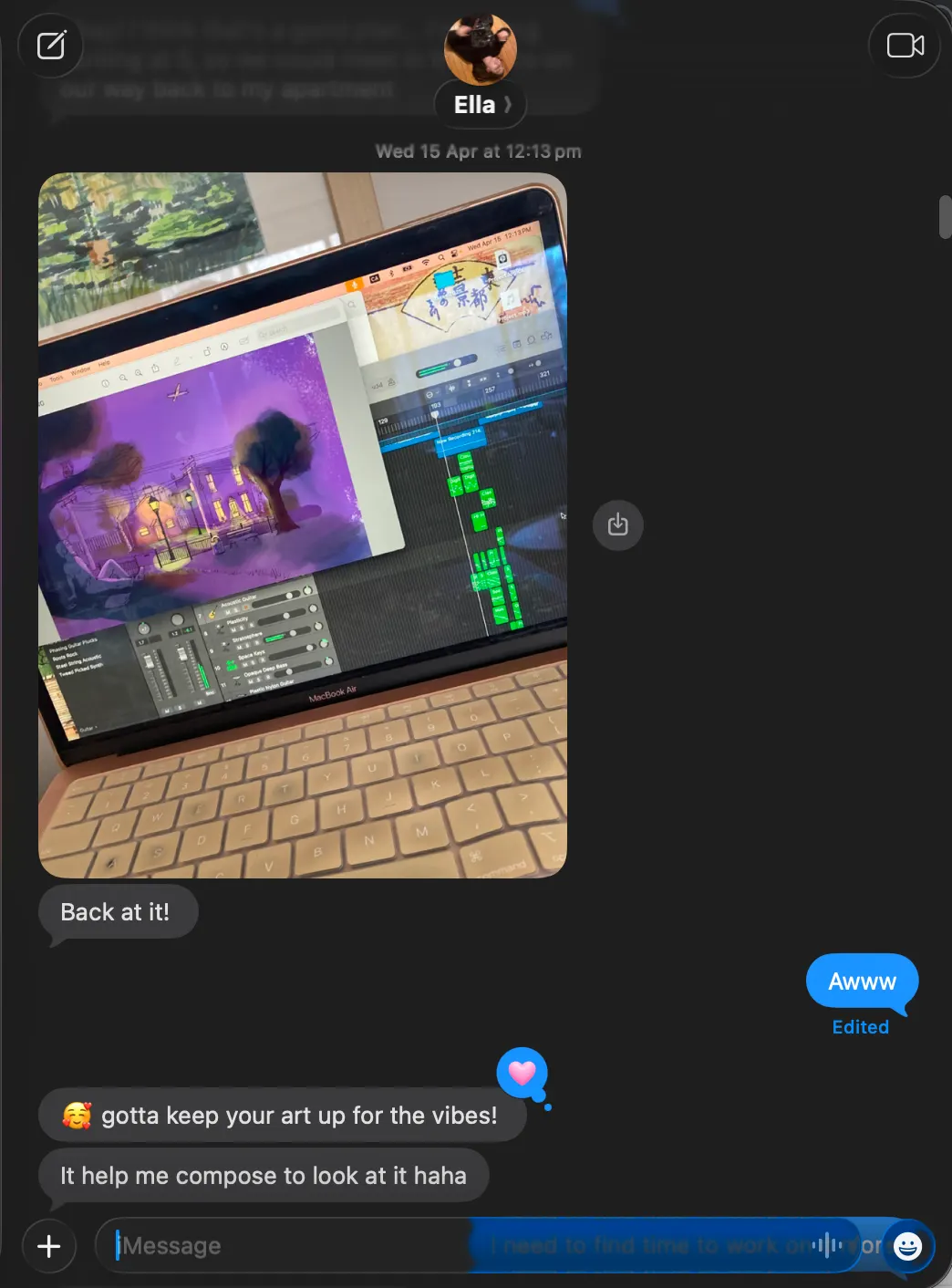
All the while, Ella was doing the harder work of actually making the music! I listened to her tracks while making the art, and she looked at my art while composing the music.
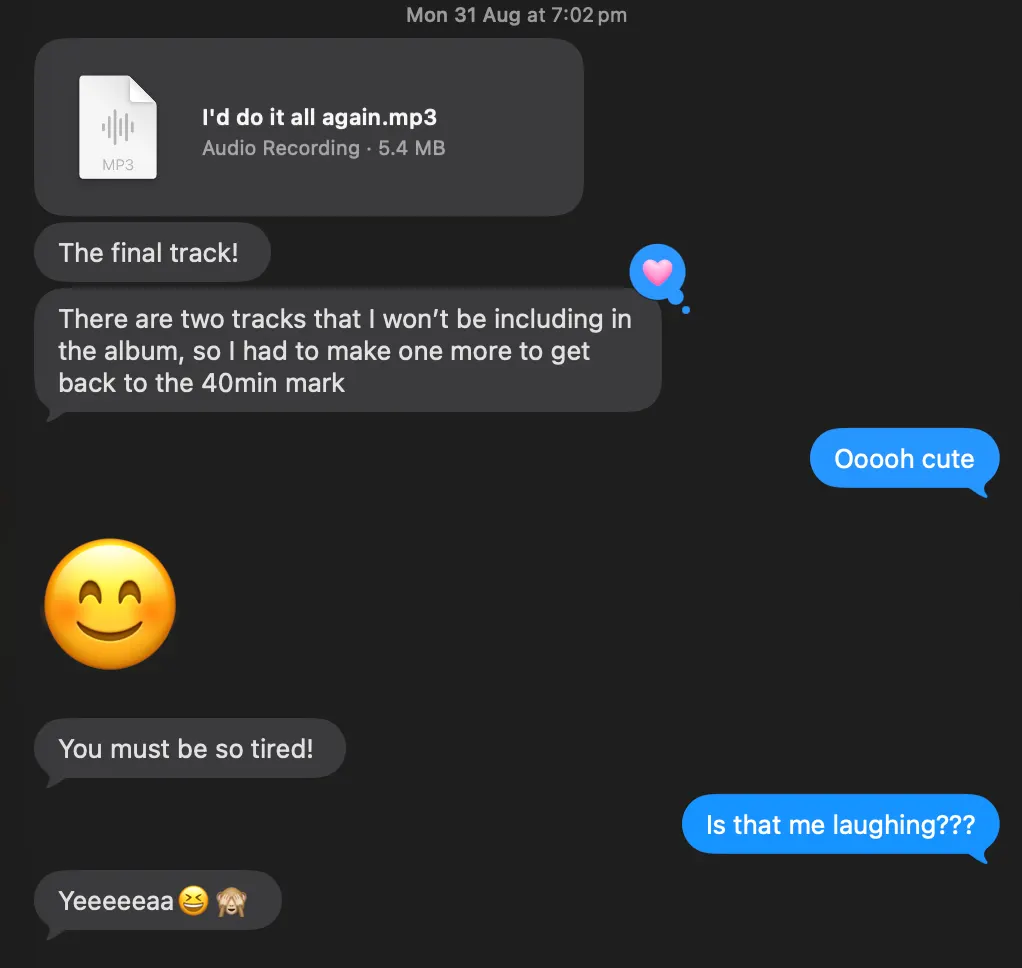
This August, on a whim, I sent her a recording of crickets, fire crackles, coyotes, and my dad’s frequent interruptions when I spent the night at his place to watch the Perseids meteor shower.
Lighting: a saga
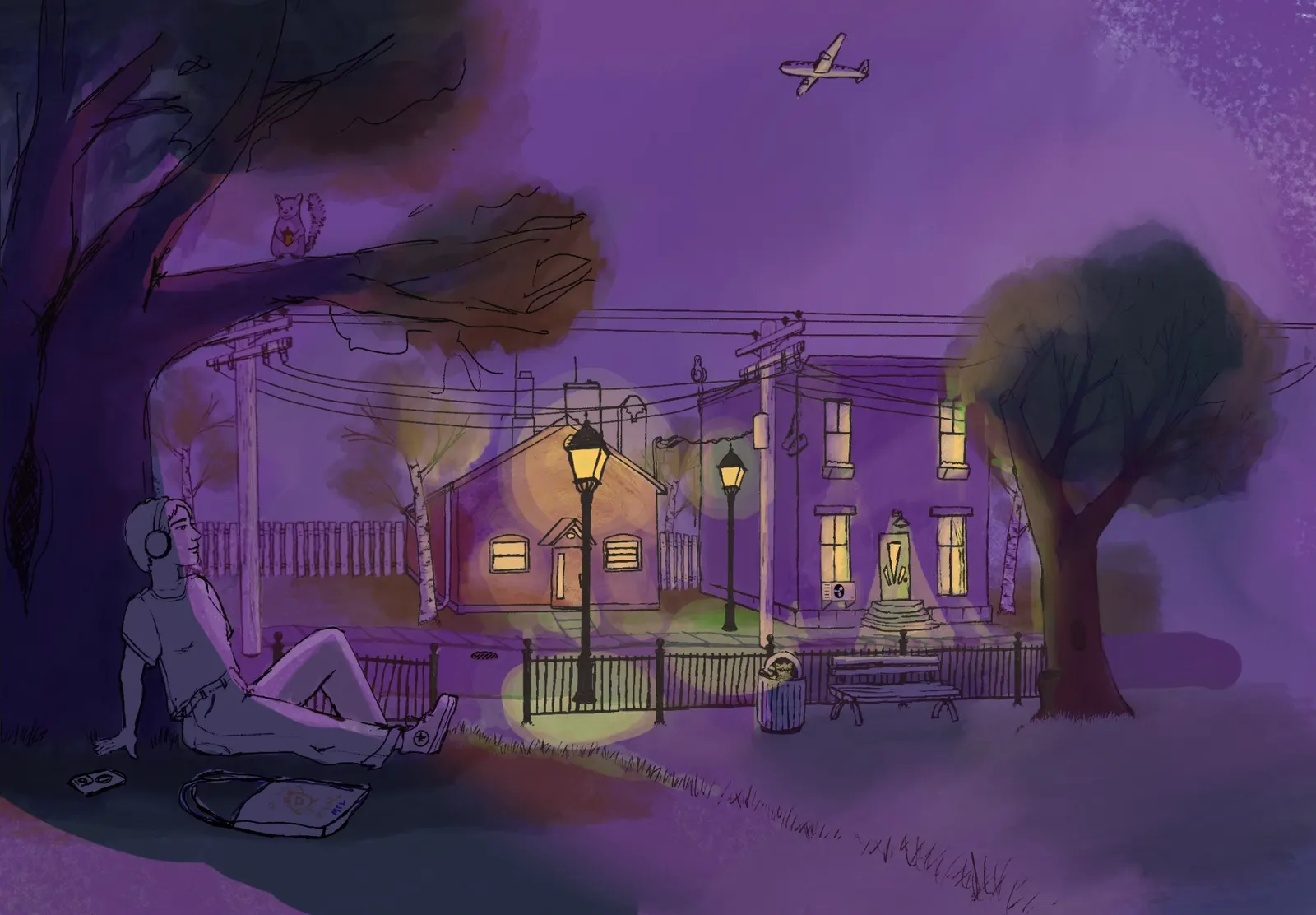
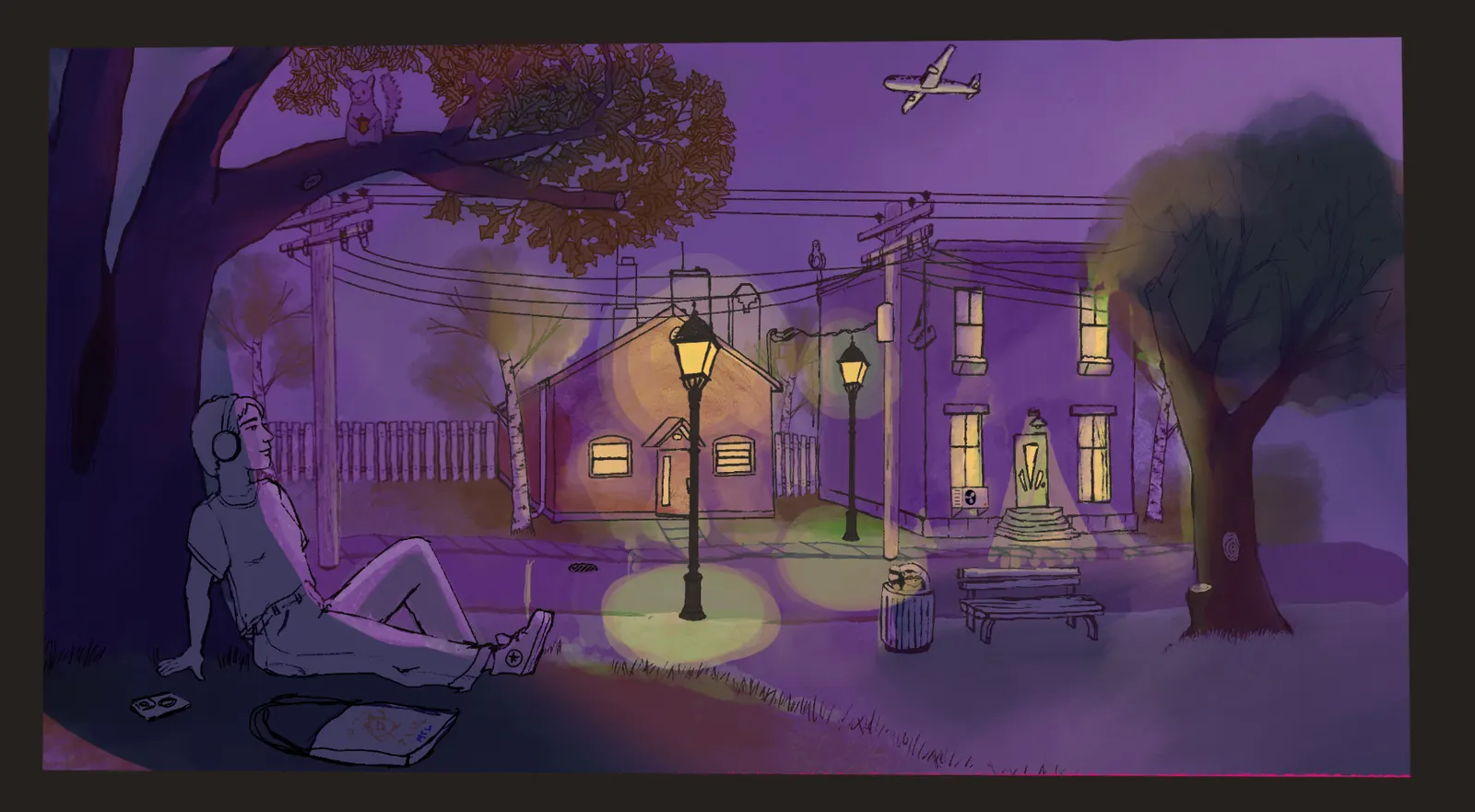
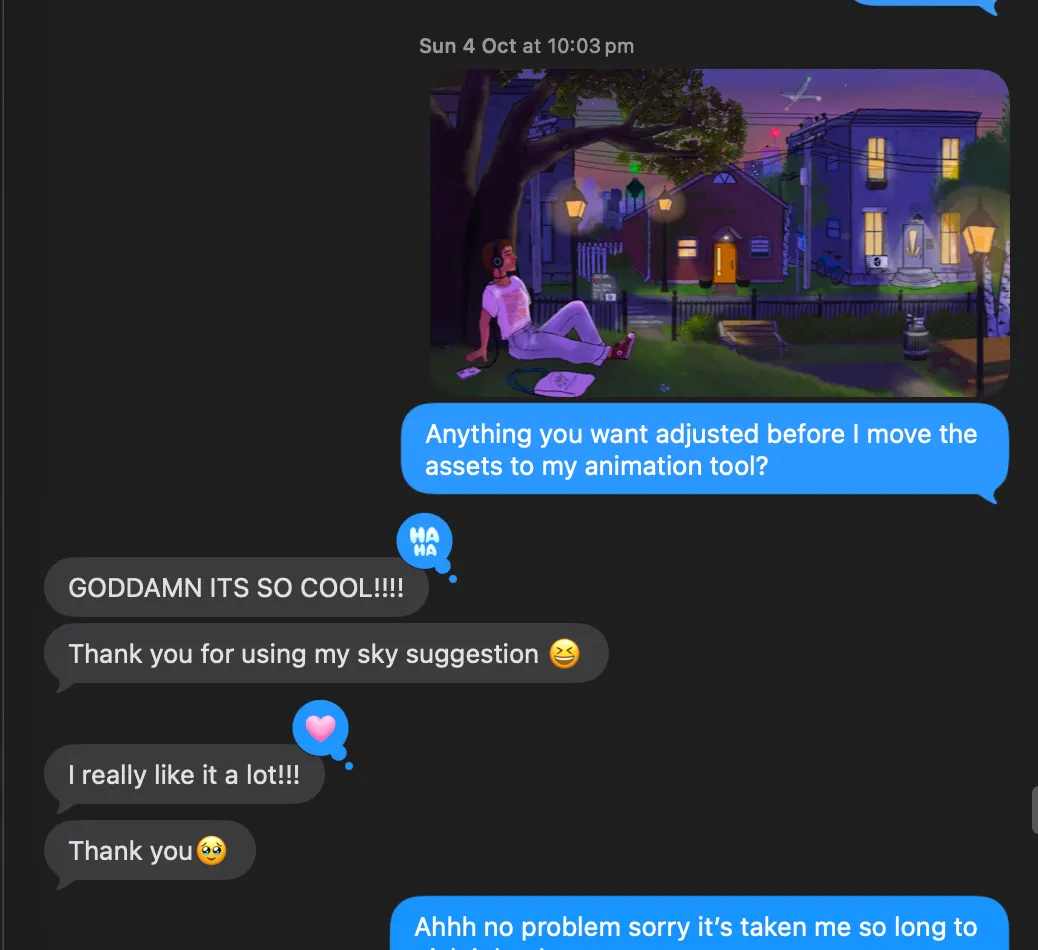
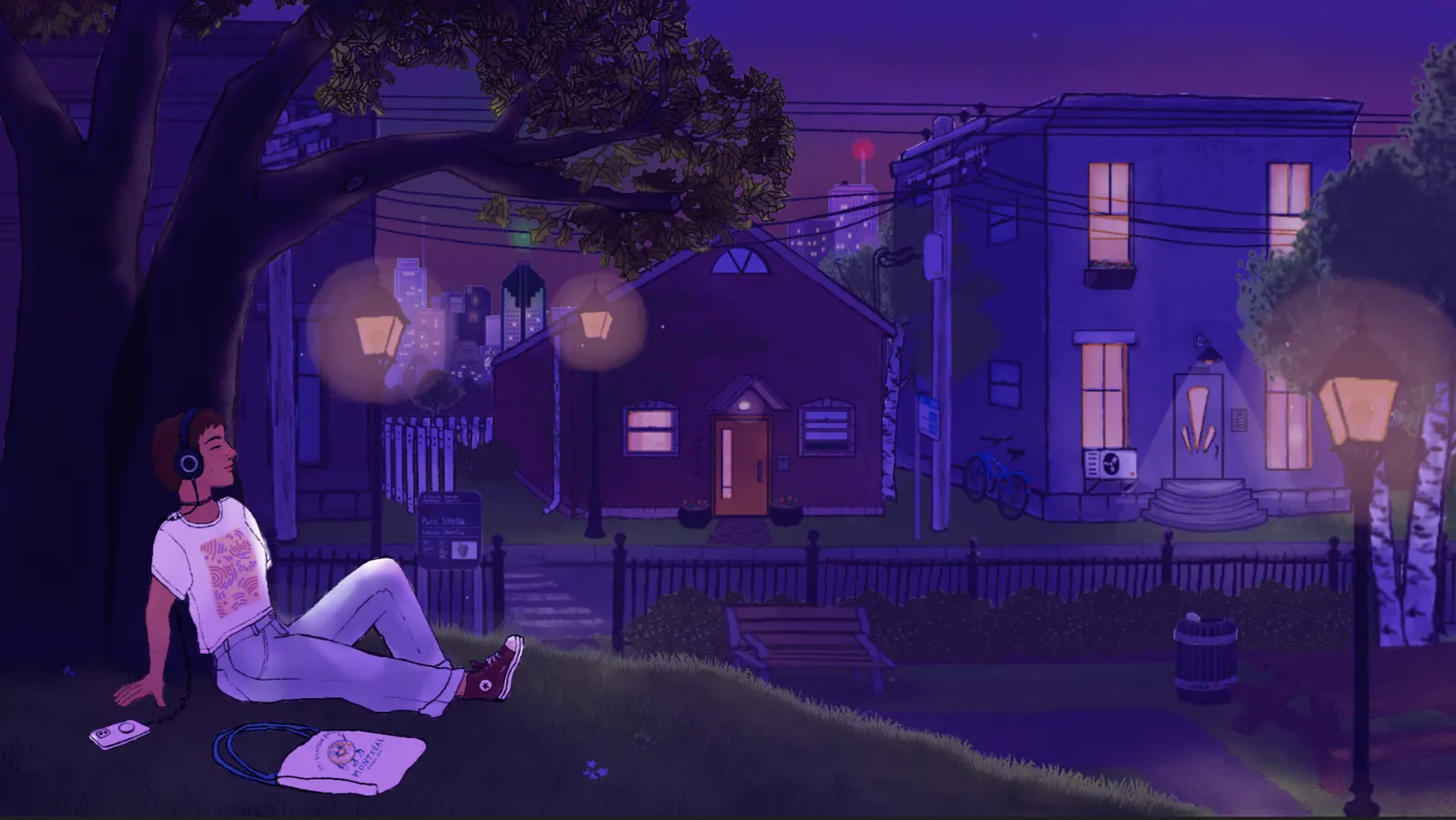
That first collaborative day sitting next to Ella on the sofa, she was so excited as I overlaid the scene with purple and green and red and orange layers to create the effect. The lighting changes continued to be one of her pet interests as I continued my work, and her feedback on them markedly improved the end result.
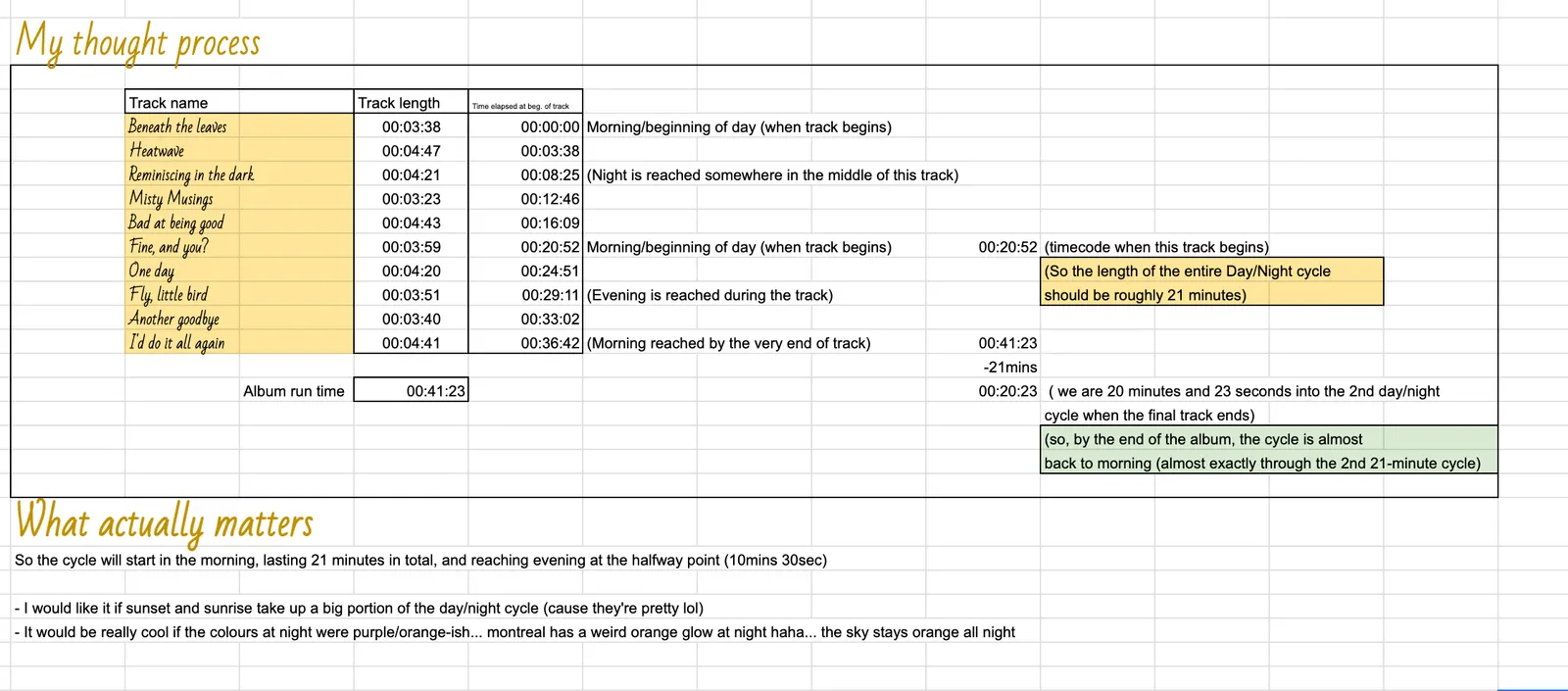
Once the track length was settled, she let me know she wanted the day/night cycle to play twice over the 41 minutes instead of once like I’d planned. This wasn’t a big problem, it just impacted the total Motion project length and meant I’d need a new dawn lighting mode to knit the cycles together. I built the day/night cycle once, and then repeated it. I would have liked to introduce more variance between the cycles, but I didn’t have a lot of free time to invest in the project at this point.
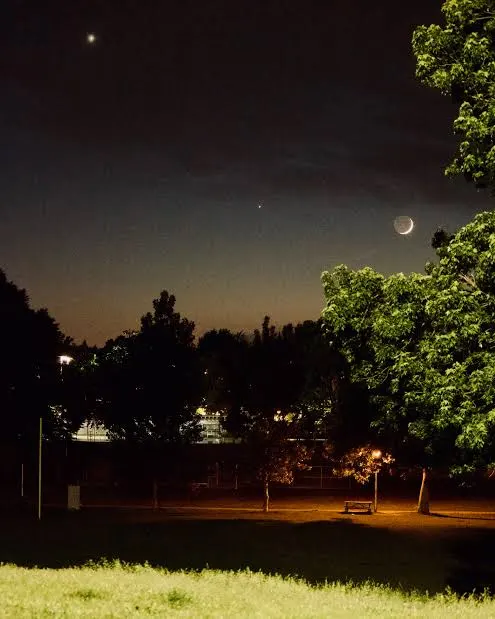
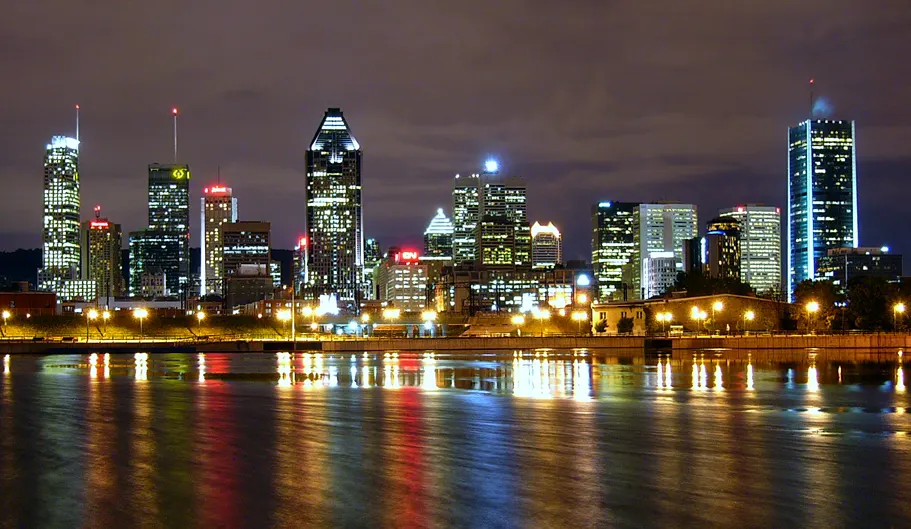
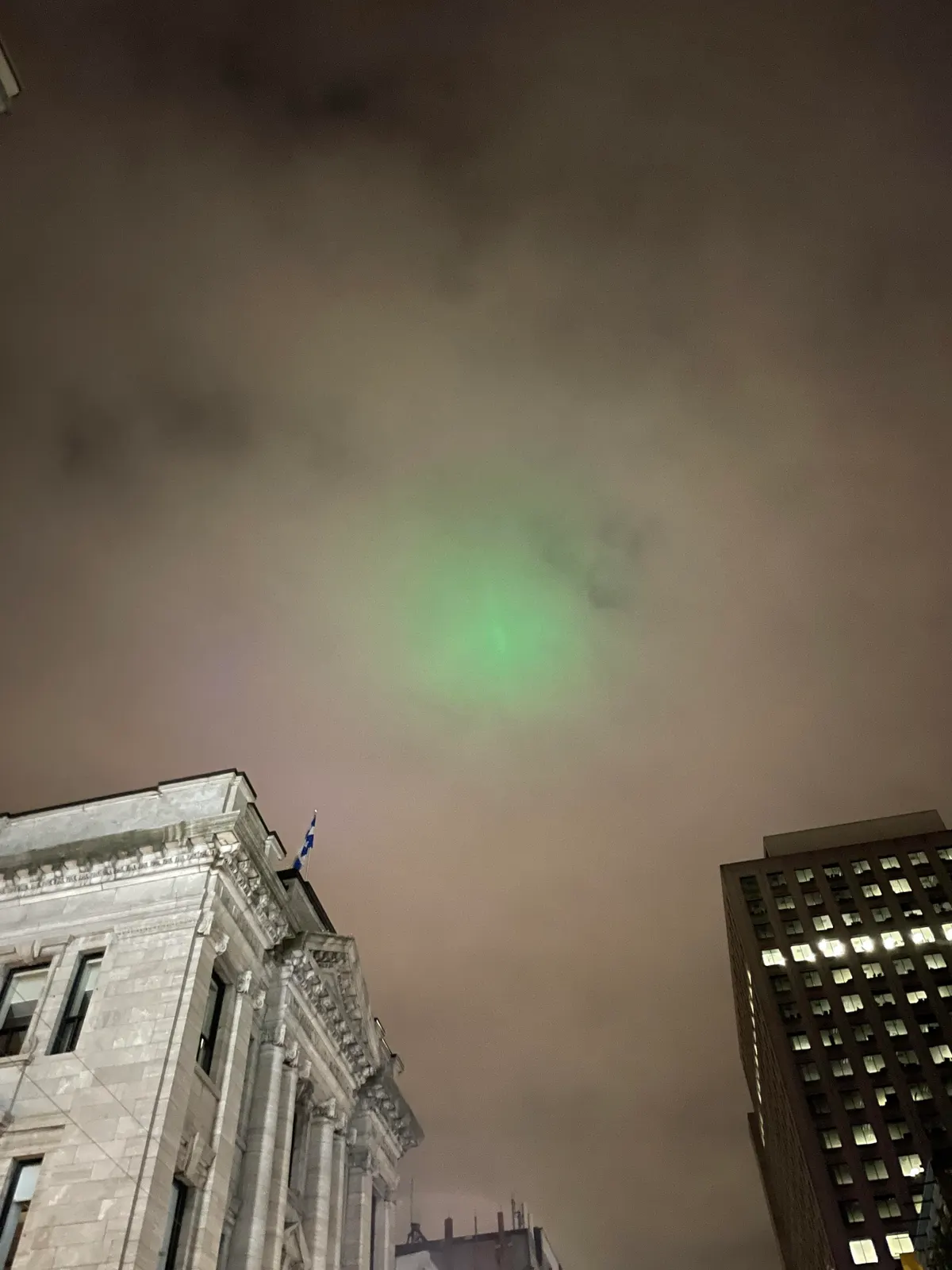
Ella was incredibly patient, kind, and encouraging throughout the process, and was being really careful not to ask for anything that would create a lot of work for me. When she offered actionable feedback I was very happy for it. She sent me reference images for the night sky, and the resulting addition of the green glow of the “Aurora Montrealis” and the orange tones really did make the night scene look way cooler!
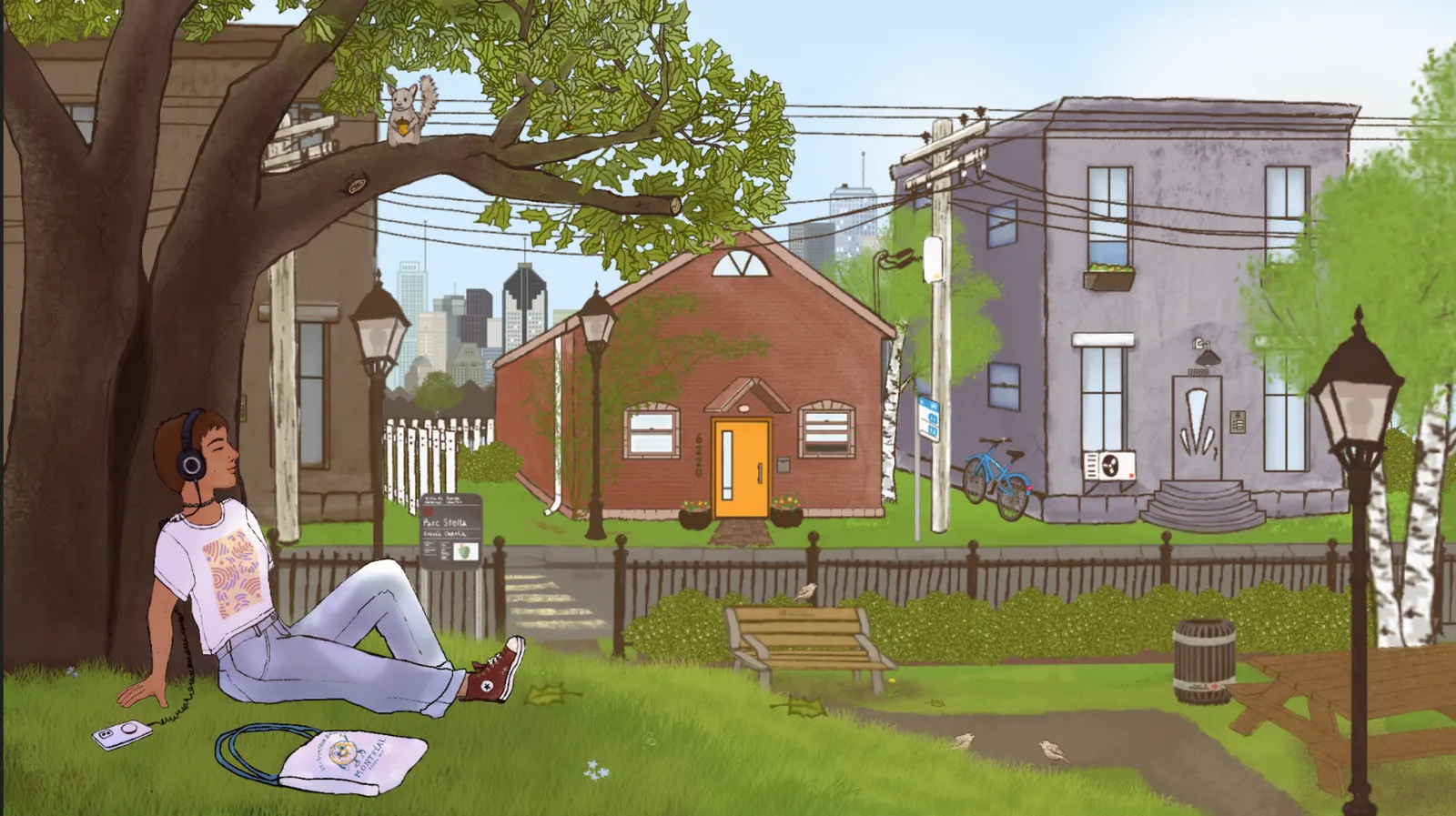
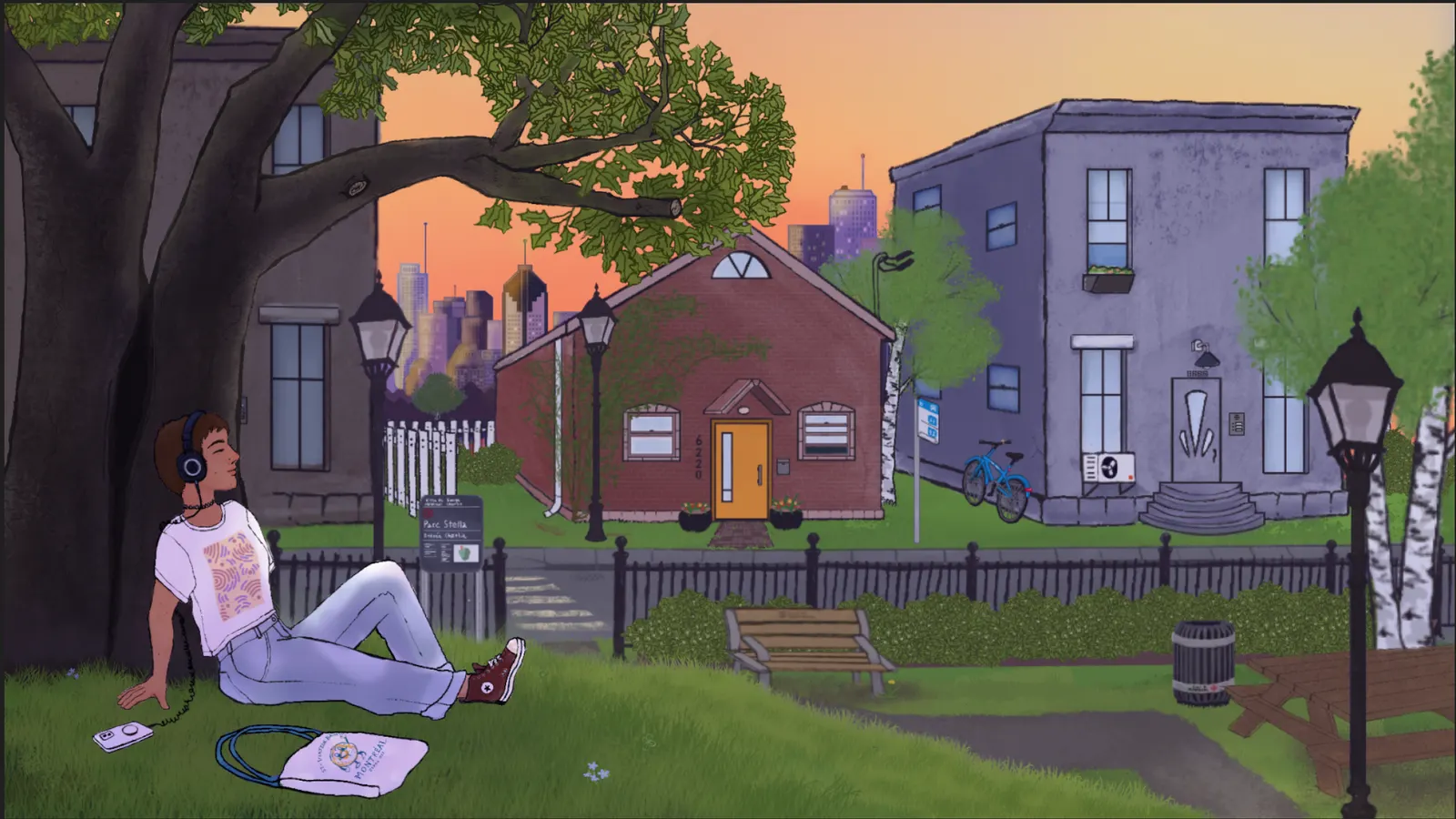
Once I started playing with the crossfades, it became clear that I needed at minimum sky and skyline art for the in-between phases: dawn and sunset. I painted new skies and the transitions really came to life!
Creating life with achievable motion
Although many of the animations in the project were achieved via programmatic rotation, translation, and crossfades, I hand-drew several of the components frame-by-frame in Procreate Dreams, and it was very rewarding! My first attempt was the squirrel, which ended up getting the most attention with its outro animation:
The finches playing in the park are actually one finch loop, staggered. I made the hop, the feather ruffle, the peck, and repeated them into a semi-random, natural-feeling pattern. You’ll find the finch sprite linking to the video, hopping along this site’s footer!
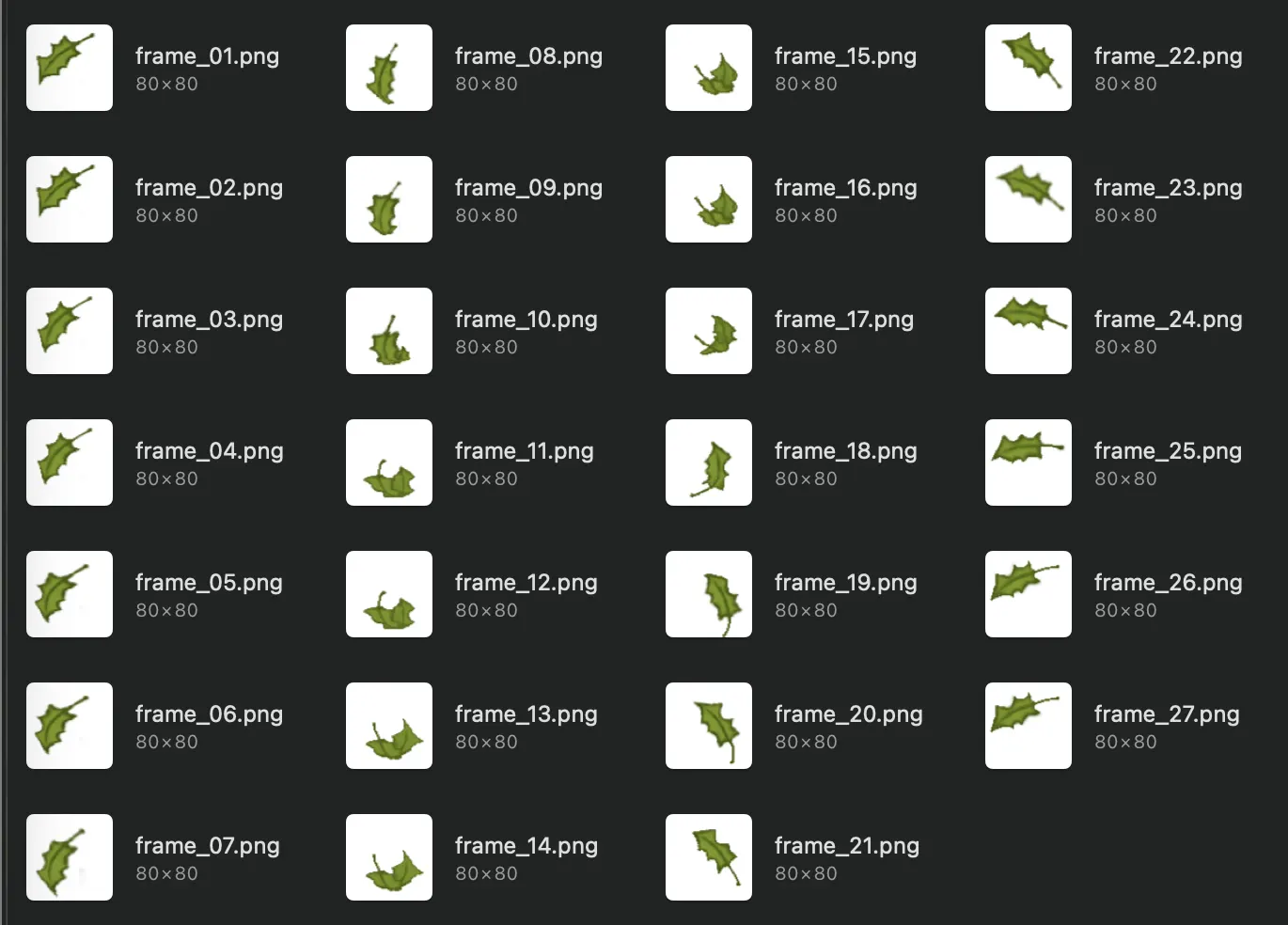
The leaf was a late addition, when I realised how small of a loop would produce a satisfying effect combined with translation. The sprites were drawn in an hour or so, one late evening while I should have been sleeping.

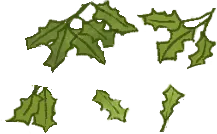
That same evening I cut a few leaves out of the tree layer and exported them (rustle A-I) in day and night mode. Slight alternating rotation gave the effect of leaves rustling in the wind in the tree. These movements become more pronounced when leaves fall and when they blow off-screen.
Claude kept wanting to fade layers in and out. For a few, a proper entrance would have been a lot of work, but for the fallen leaves I opted to blow them all off with a gust instead of slowly crossfading them and hoping nobody noticed!
The girl’s head and foot bounce along to the beat of the song. Ella and I sat down together after Thanksgiving dinner and listened to the tracks together, noting each moment we thought she would be “bopping” versus still, so that when the beat became unclear or a quiet moment came up the girl wouldn’t be nodding her head along to an imaginary beat.
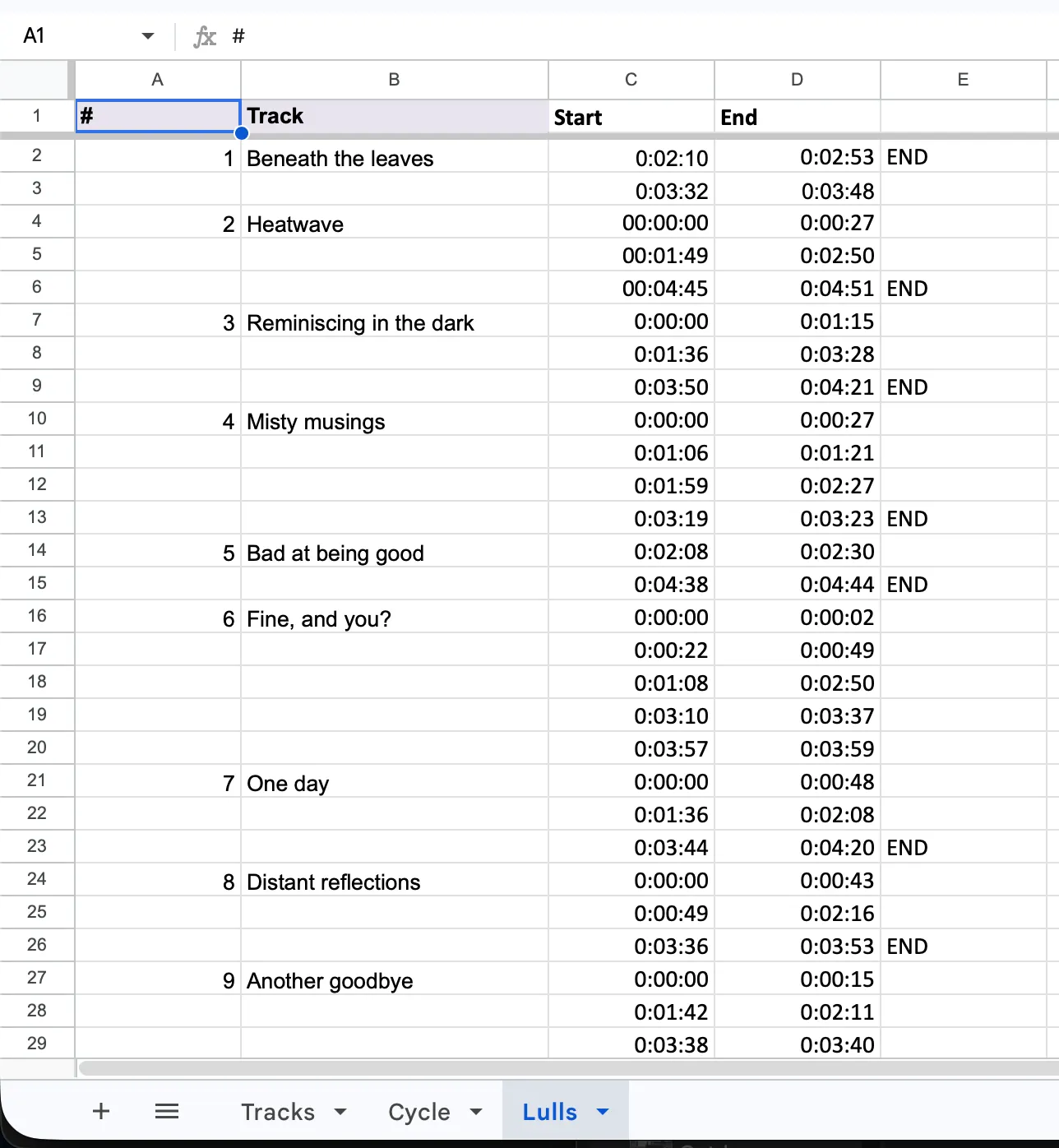
The first pass was far too abrupt. Hard starts and stops to her motion read as unnatural, she needed to realise she’d lost the beat and realise she’d picked it up again, and so a bit more work was required to introduce a transition where her movement is slower and less confident. Her blinking is a really simple asset swap between an eye-open and eye-closed head asset. Mostly, she’s lost in the music.
Collaborating with AI
I work in tech, so using AI assistance isn’t unfamiliar to me, but I’m still a bit of a puritan when it comes to my artistic pursuits. Busy as I am, though, I learned to compromise a bit in the interest of Getting Things Done™.
Claude was able to, with a sample file provided by me (my pre-frustration efforts in Motion), handle composition by writing to compatible XML files based on the timing data and artwork with encoded placement I fed it. Wild! Between each version I had to pop my head into the Motion file and provide critique. I believe we finished on version 28, before splitting the scene and the girl into two separate files for layering.
Ultimately, I didn’t know where to find the buttons I needed to click in Motion and my tendinitis would have flared up from it if I had! Claude was able to execute on my vision, though I think if I had taken the time to learn and do it myself some small details might have been polished or better suited my tastes (like the falling leaves that sort of snap into place abruptly when their journey ends).
Of our collaboration, my bot reflects (in its unmistakable voice):
Julia painted everything, drew every frame, and made every creative call. My part was the plumbing. I couldn’t click through Motion, so I edited its project files directly, as XML, using setting samples she saved for me (a rotation, a blend mode, Preserve Opacity). I timed thousands of keyframes from data: Ella’s tempos, first beats and lull list, the lighting schedule. Then I checked her exports and stitched the final video together with FFmpeg.
I made real mistakes:
- I nested one media clip inside another in the project file, and Motion rendered the whole scene black except a single glow.
- I set the finch loop to 367 frames when there were 365, so it glitched every 20 seconds.
- I encoded the final video in 100-second pieces that converted colour slightly differently, and the joins showed as lighting “knits”.
- My assembly script used a bash feature macOS’s built-in bash doesn’t support, so the first full run failed immediately.
Most were caught by her eye first and confirmed by measuring: comparing frames, null-testing audio against the masters, reading peak meters. That’s the division of labour as it should be: her taste set the bar, and the tools only had to reach it.
It sure likes to self-flagellate, doesn’t it?
We essentially turned the second half of this into a coding project, which makes me think that next time I should just use Remotion and write my animations in familiar CSS and React.
The end
Rendering the video and uploading it to Google Drive on the Tuesday before release kept me up until nearly 2am. Finally! The finish line was in sight! Ella and I were respectively sick of listening to and looking at our work, but we kept each other motivated until the end.
On the launch day, Ella reached out and I jumped into action nagging all of my friends and several internet strangers to listen to her music. Sorry!
I am so, so pleased that I was able to do this for my sister and reasonably happy with the quality of what I produced. It was a fun learning project, and I may eventually pick up another animation project. No time soon, but maybe eventually.